Wix Inventory Management FAQ
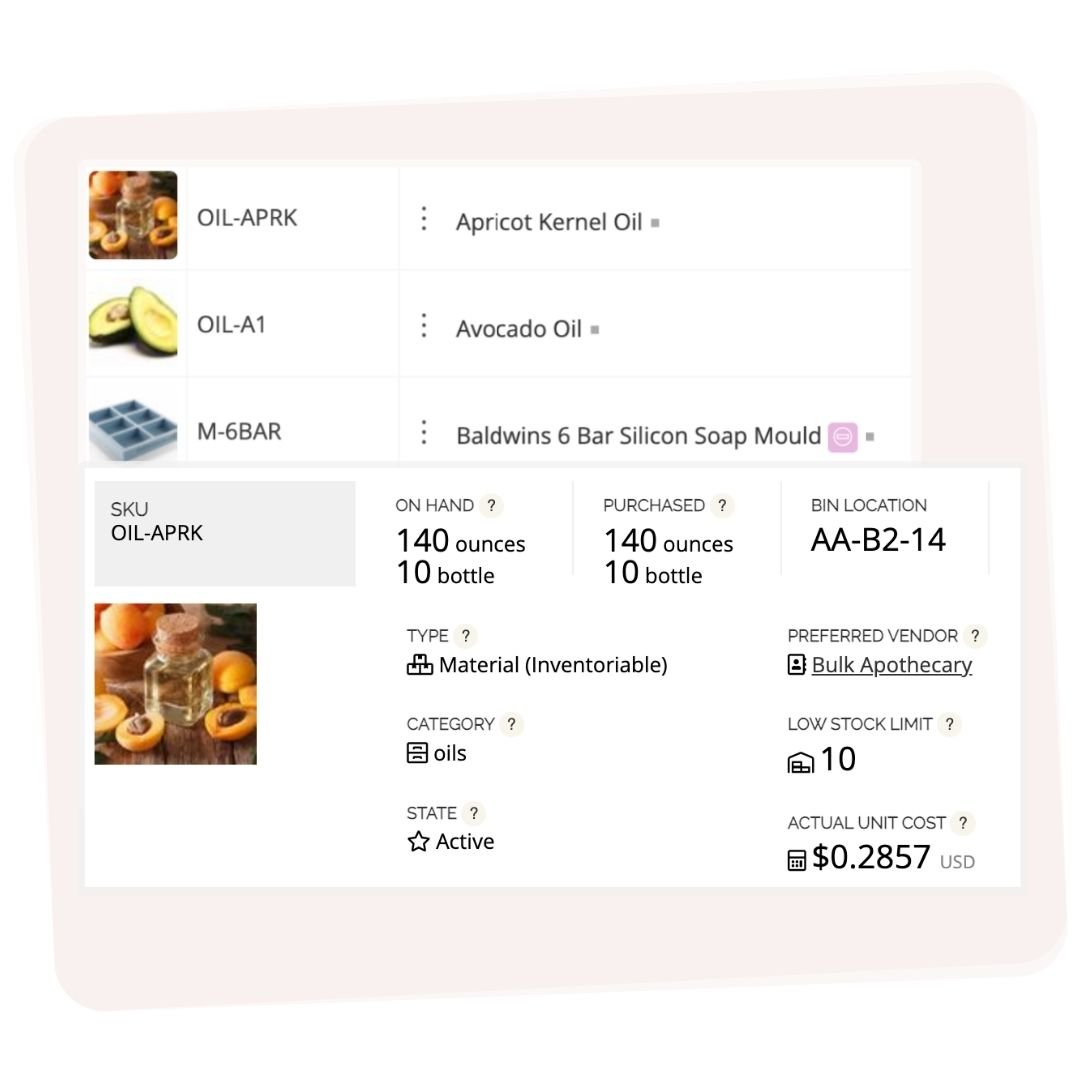
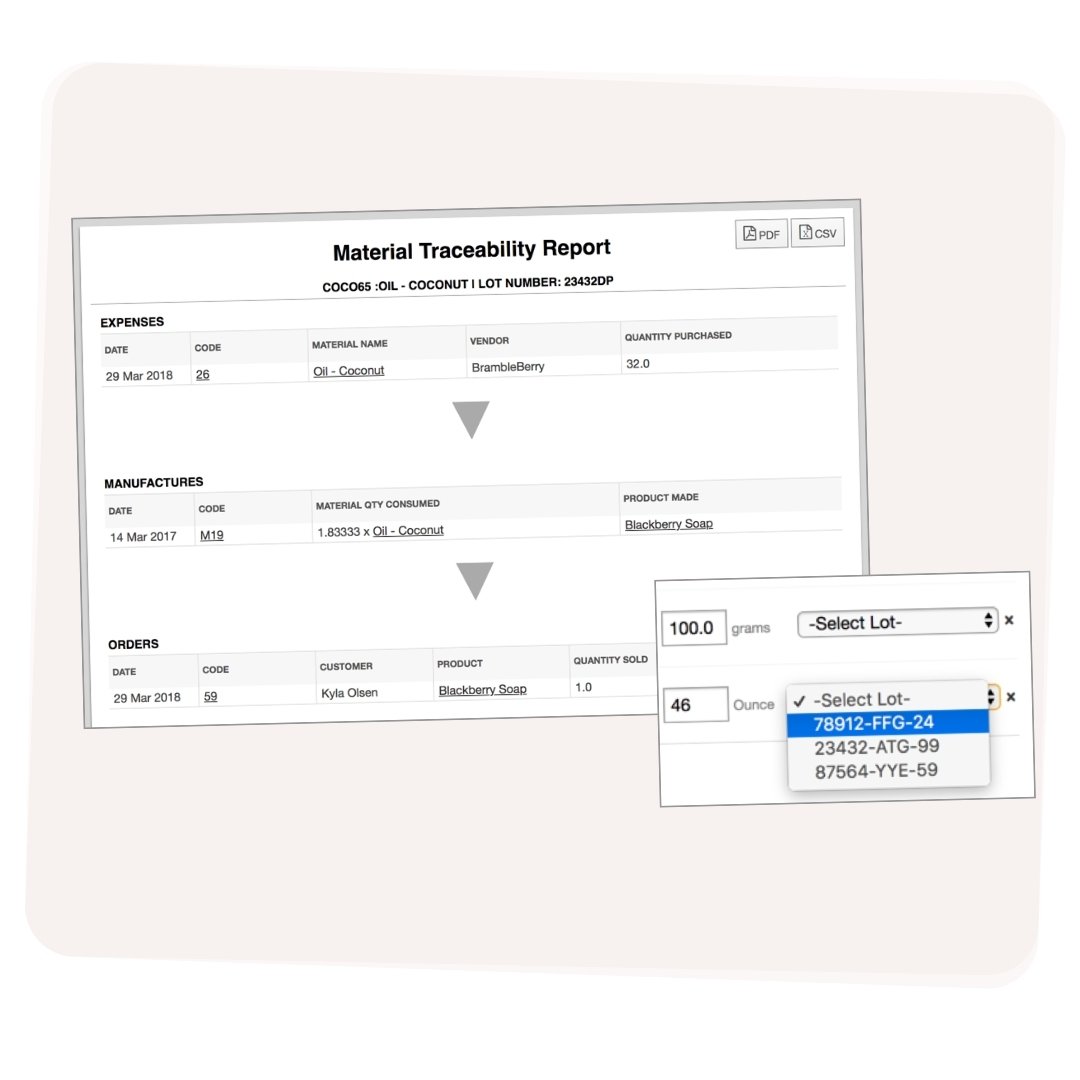
Wix tracks finished product stock in your storefront, but it doesn't track raw materials, recipes, or manufacturing costs. If you make what you sell — soap, candles, jewellery, baked goods, or any handmade product — you need a separate manufacturing and inventory layer. Craftybase connects to Wix via API and handles everything Wix doesn't: materials tracking, batch manufacturing, COGS, and lot records.
Craftybase connects to Wix directly via the Wix API. Once you link your store, orders sync automatically and your Wix product stock levels update when you record a manufacture in Craftybase. There's no CSV importing or manual reconciliation — the connection is live and two-way, so your storefront always reflects what you actually have available.
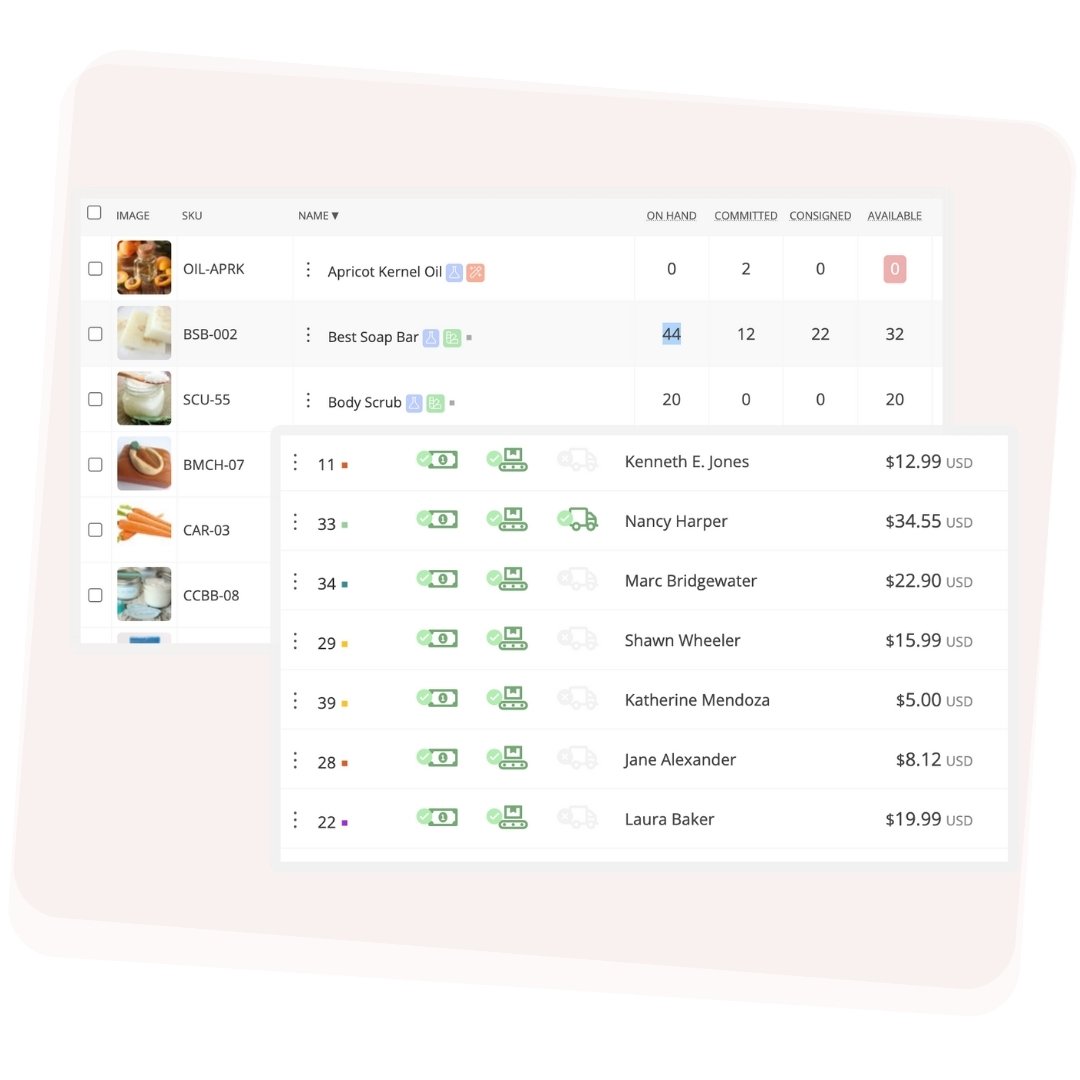
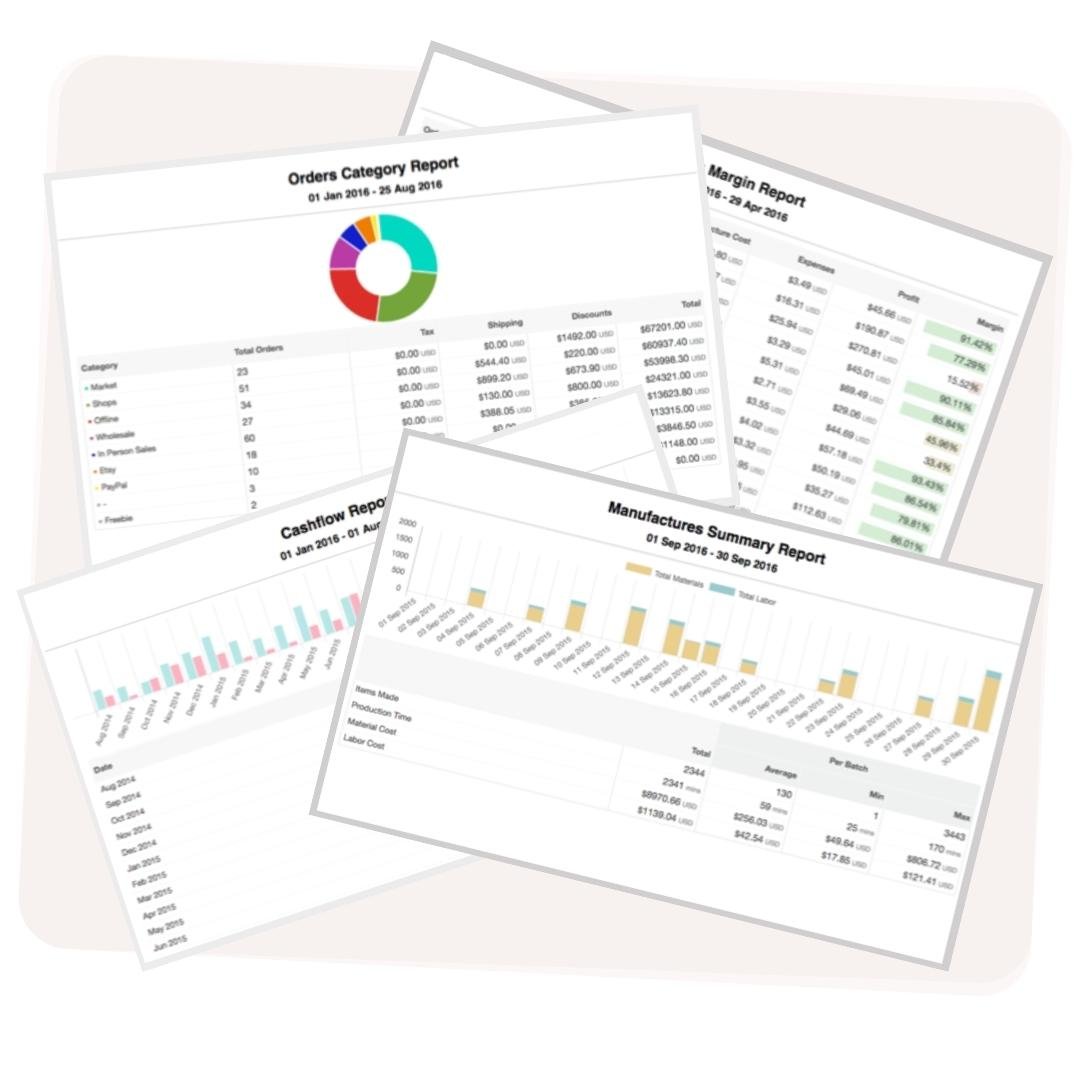
Yes. Craftybase supports multiple sales channels simultaneously. If you sell on Wix, Etsy, and Shopify at the same time, all three channels feed orders into a single inventory system. Your raw material stock decreases once regardless of which channel the sale came through, and your COGS report covers all channels in one place — not three separate spreadsheets.
Craftybase is inventory and manufacturing software built specifically for small-batch makers — people who produce what they sell rather than reselling bought goods. It tracks raw materials, recipes, batch manufacturing, COGS, and integrates with selling platforms like Wix, Etsy, Shopify, and Square. It is not designed for retail resellers, dropshippers, or businesses that don't manufacture their own products.