Reporting
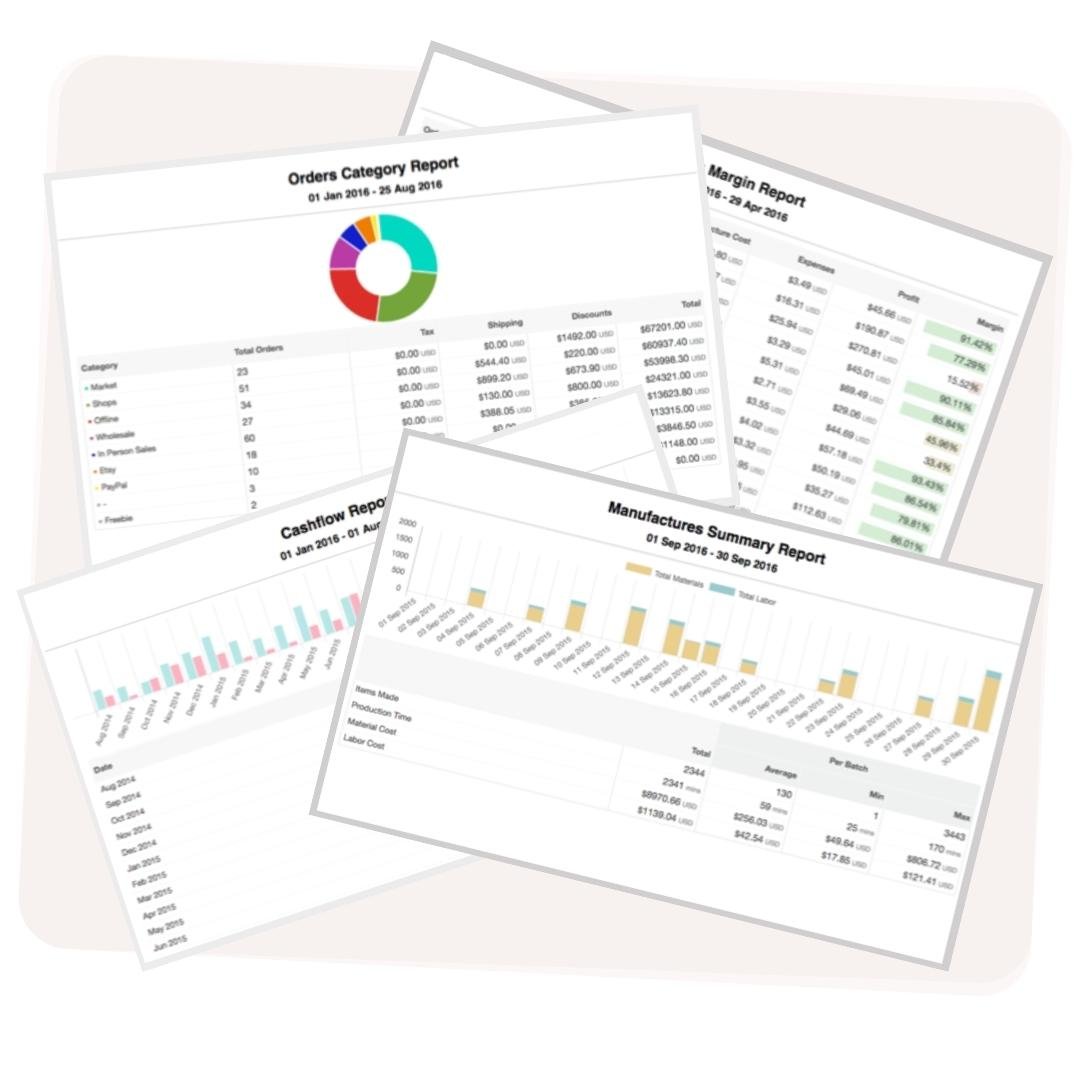
More than 15 reports give you complete visibility on your production process: Schedule C at tax time, per-product profitability year-round, and inventory valuation at a glance.

More than 15 reports give you complete visibility on your production process: Schedule C at tax time, per-product profitability year-round, and inventory valuation at a glance.
Trusted by makers worldwide
Traditional, bookkeeper-friendly reports covering 5 core areas: Profit and Loss, Expenditure & Revenue, Inventory Valuation, Schedule C, and COGS.
Top product and high-revenue customer reports give you the visibility to make better decisions for your business. Run them by date range, filter by Etsy or Shopify, and export as PDF or CSV in seconds.
Instant profitability guidance shows a full cost breakdown for any product or order at a glance: materials, labour, and overhead rolled into a single per-unit figure.
Schedule C Report
Filter by External Source
Date Filtering
Export as PDF, CSV

Craftybase, overall, has helped me streamline my inventory expenses, keep consistent unit costs and allowed me to see through the Reports section, my business grow each year.
Craftybase generates Profit and Loss, Expenditure and Revenue, Inventory Valuation, Schedule C, and COGS reports, plus popular product and high-revenue customer reports. You can filter every report by date range (past year, quarter, month, or a custom period) and export as PDF or CSV. The instant profitability guidance feature gives you a full cost breakdown for any product or order at a glance.
Yes. Craftybase includes a Schedule C Guidance report that pulls together the numbers your accountant needs at tax time, and a separate COGS report that tracks your cost of goods sold in real time as you manufacture and sell. Both use IRS-approved, GAAP-compliant calculation methods suited to small and medium manufacturing businesses.
Yes. Craftybase's Profit and Loss report gives you a complete picture of income versus expenditure over any date range you choose. You can also filter by external sales channel source to see which shop or platform is performing best, making it straightforward to track where your money is coming from and where it's going.
Craftybase reporting is built for small-batch makers and handmade business owners who manufacture their own products. The reports are bookkeeper-friendly: they give you the detail an accountant expects without requiring an accounting background to understand. Whether you sell on Etsy, Shopify, or wholesale, the reports adapt to your sales channels.
Yes. Every report in Craftybase can be exported as a PDF for presentation or as a CSV for further analysis in a spreadsheet. This makes it easy to share reports with your accountant, import data into other tools, or keep your own records outside of the platform.